


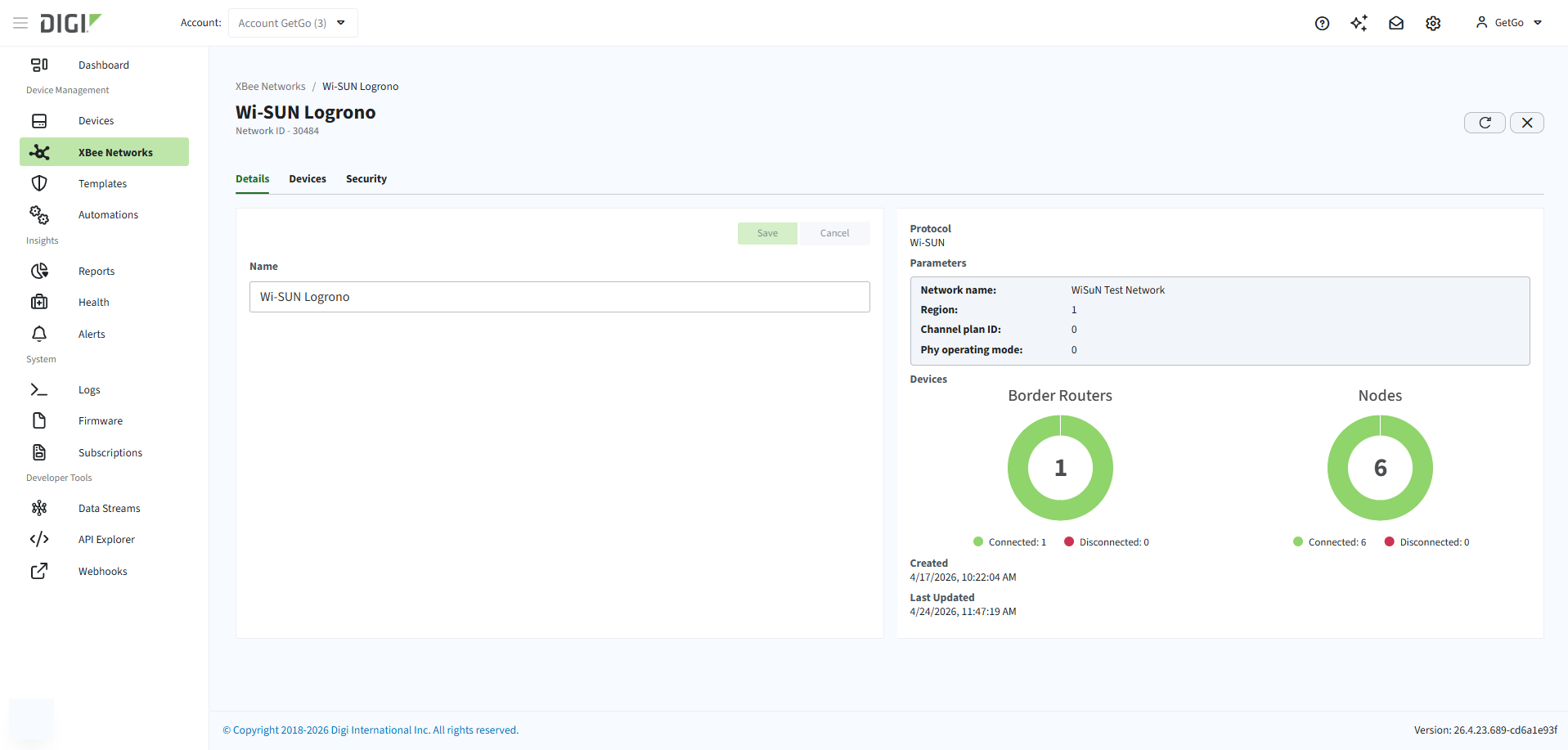
Each registered XBee network has a dedicated page in Remote Manager that serves as the central view for that network. The page gives you access to network details, connected devices, and security settings through three tabs:
| Tab | Description |
|---|---|
Details |
Shows the network’s identity, parameters, and current status. From here you can also rename the network. See Network details. |
Devices |
Lists all border routers and nodes in the network and provides controls for managing them. |
Security |
Manages authorization settings for the Wi-SUN network. |
Open the network page
To open the page for a specific XBee network in Remote Manager:
-
Log in to Remote Manager.
-
Click XBee Networks in the left navigation.
-
Click the Name or ID of the network.
