


The Digi XBee Mobile application allows you to update the firmware of the XBee device over-the-air through the BLE interface. This is very useful when your module cannot be accessed to physically connect it to a computer or when the module is not in a mesh network to perform a remote update.
To access this feature, click the Update firmware button from the device home page. The application displays the corresponding Update firmware page with the controls necessary to execute an OTA firmware update in the XBee device.
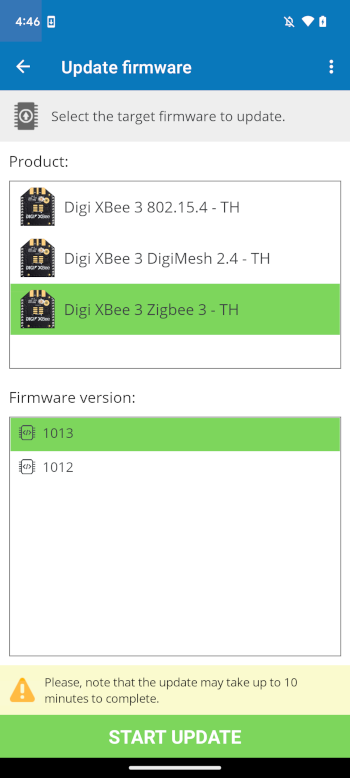
Product
This list displays the available product types or protocols that are compatible with the XBee device the application is connected to. It may be hidden if the XBee device supports just one protocol, such as the XBee BLU product.
Firmware version
This second list contains all the firmware versions that can be applied to the XBee device the application is connected to and that support the update firmware feature.
