


Follow these steps to perform an OTA firmware update:
-
Go to the Update firmware page from the device home one.
-
Select the device product from the Product list.
If the XBee device can be configured with a different protocol than the one it is running, the page displays a list to choose the new product (protocol) to be applied to the XBee device. Otherwise, the Product list is hidden. -
Select the target firmware from the Firmware version list. The Start Update button is enabled.
-
Click the Start Update button to start the update firmware process.
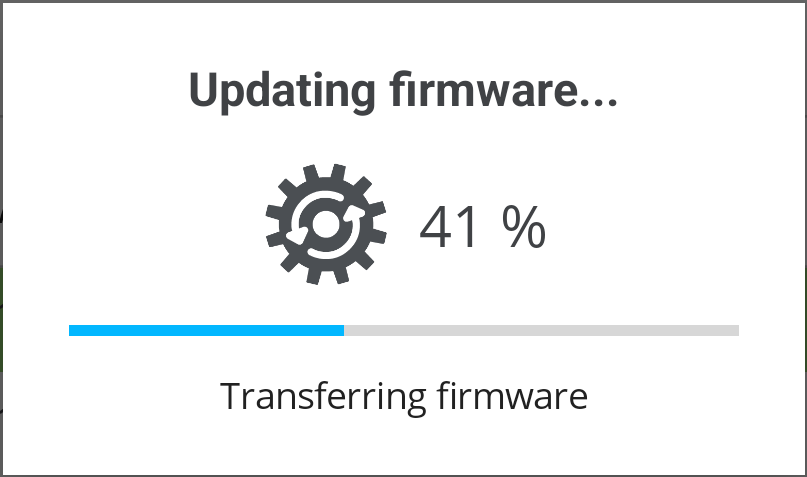
This operation takes up to 10 minutes to complete, so be sure not to close the application or reset your XBee device while the update is in progress. -
Wait until the update firmware process finishes. The application will try to reconnect with the XBee device after that.
If you are updating an XBee 3 Zigbee device, make sure it is joined to or has form a Zigbee network before executing the update. Otherwise it will fail.
