


One of the purposes of the XBee’s Bluetooth Low Energy (BLE) interface is to configure the firmware settings of the XBee device from a mobile application.
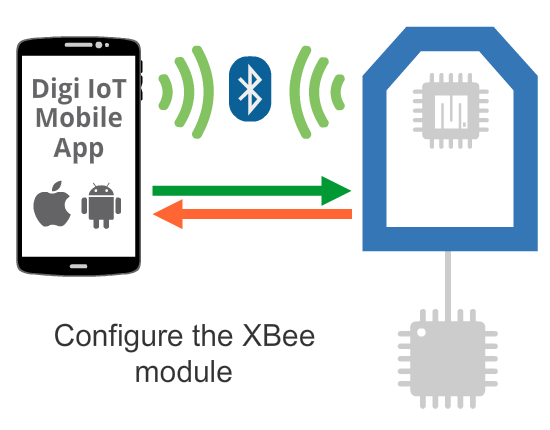
In this case, the data you send and read from the XBee device is a set of AT configuration parameters. This is useful for checking and updating the configuration of a previously deployed XBee device where it isn’t feasible to establish a connection with the device through the serial interface.
See the scenarios below for ways you may want to configure an XBee device via BLE:
-
Perform a device provisioning operation (initial configuration) of XBee devices during the deployment process of a network. This includes XBee firmware parameters such as the Node Identifier (NI), Network ID (ID), or Bluetooth password.
-
Read diagnostic parameters from XBee devices already deployed in a network.
-
Re-configure or update the value of specific parameters in XBee devices already deployed in a network.
Example
The Digi IoT Mobile SDK provides an example that demonstrates this use case; the example below shows you how to configure some basic parameters of the XBee firmware from the mobile application. Because there isn’t an application running inside the XBee device (MicroPython app) or in an external micro-controller, the example only covers the smartphone side:
| Smartphone side |
|---|
Other resources
Digi also provides a mobile application called Digi XBee App that allows you to configure XBee devices over BLE. You can find it in both iOS and Android markets:
