


Current XBee modules (XBee3) integrate MicroPython programmability for edge computing. This allows you to provide some intelligence to the XBee device and create smart end nodes, eliminating the need for an external micro-controller.
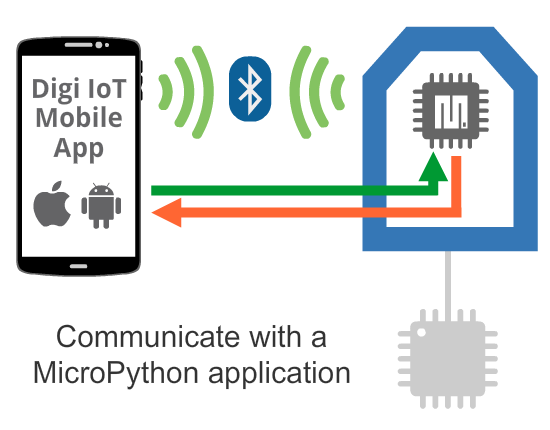
In this case, a mobile application communicates with the MicroPython application, running inside the XBee device either to act over the device or to collect any kind of data from it.
This use case requires programmability on both the mobile phone and the XBee device side. The MicroPython application that runs inside the XBee device should be developed and transferred using the XBee MicroPython PyCharm Plugin.
| For more information about the XBee MicroPython PyCharm Plugin, see the XBee MicroPython Programming Guide. |
See the scenarios below for ways you may want to communicate with a MicroPython application via BLE:
-
Perform a device provisioning operation (initial configuration) of XBee devices during the network deployment process. This includes XBee firmware parameters and other settings stored in the internal memory and accessible by the MicroPython application.
-
Read diagnostic information from XBee devices already deployed in a network.
-
Read transformed values from peripherals connected to the XBee device or command actions to the MicroPython application.
-
Provide a graphic UI for the product or system using the mobile phone screen as the interface.
Example
The Digi IoT Mobile SDK provides an example that demonstrates this kind of communication between the mobile phone and the MicroPython application of the XBee device. The example shows you how a MicroPython application gets the temperature and humidity values from an I2C sensor connected to the XBee device and sends them to a mobile application to be displayed in the screen.
| Smartphone side | XBee module side (MicroPython) |
|---|---|
