Use intelliFlow to display average CPU and RAM usage
This procedure is only available from the WebUI.
To display display average CPU and RAM usage:
Web
-
Log into the Connect EZ 4/4i WebUI as a user with full Admin access rights.
- If you have not already done so, enable intelliFlow. See Enable intelliFlow.
- From the menu, click Status > intelliFlow.
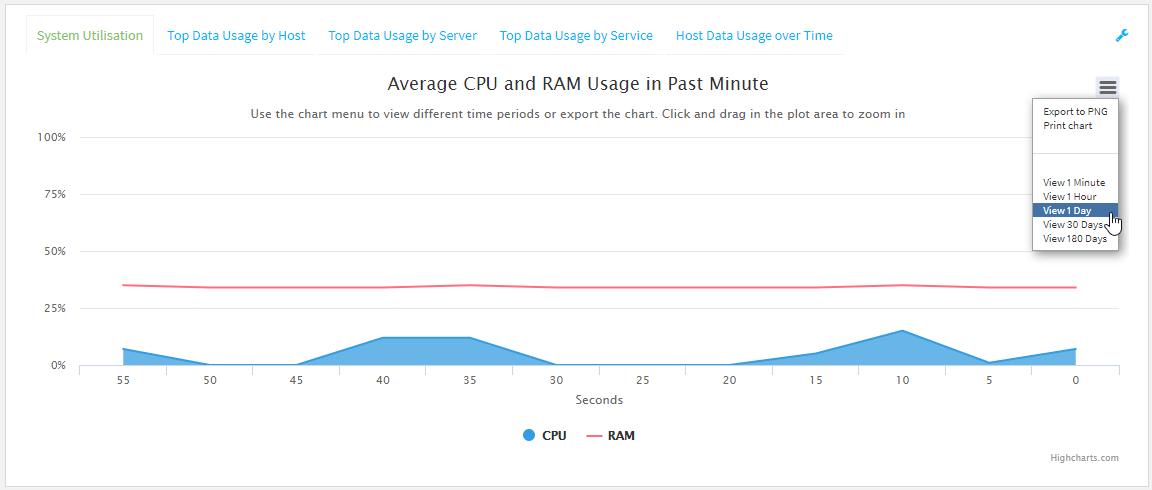
The System Utilisation chart is displayed:
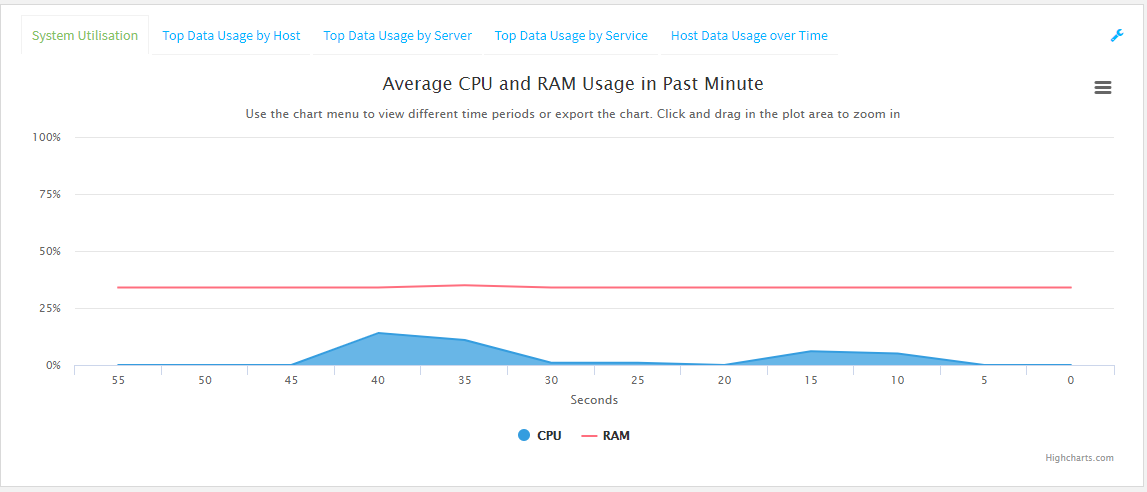
- Display more granular information:
- Click and drag over an area in the chart to zoom into that area and provide more granular information.
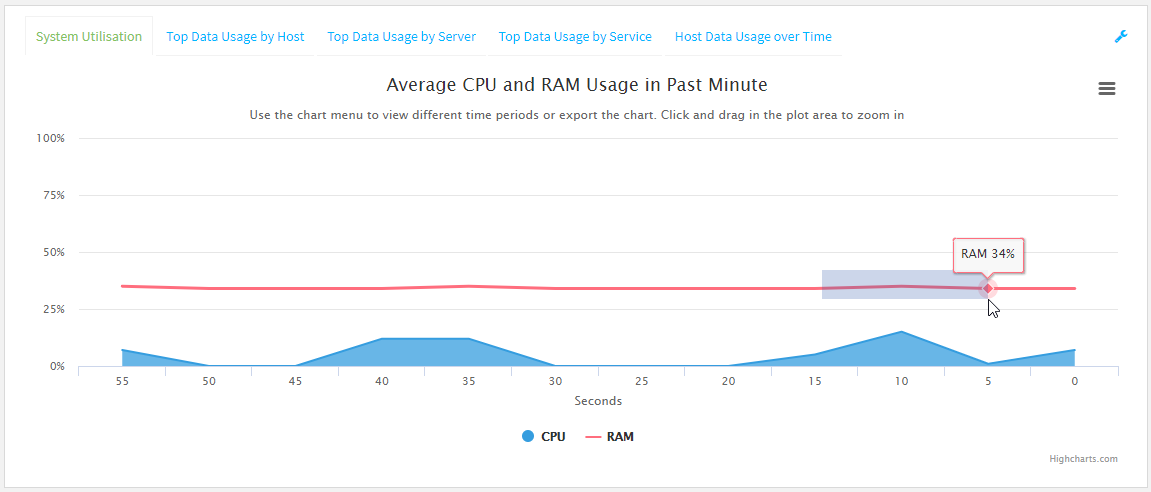
- Release to display the selected portion of the chart:
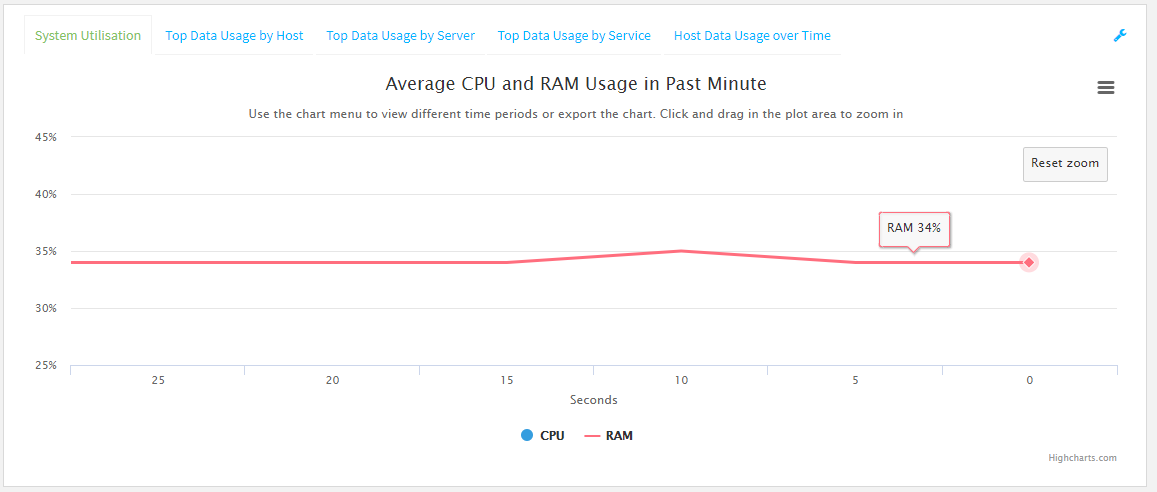
- Click Reset zoom to return to the original display:
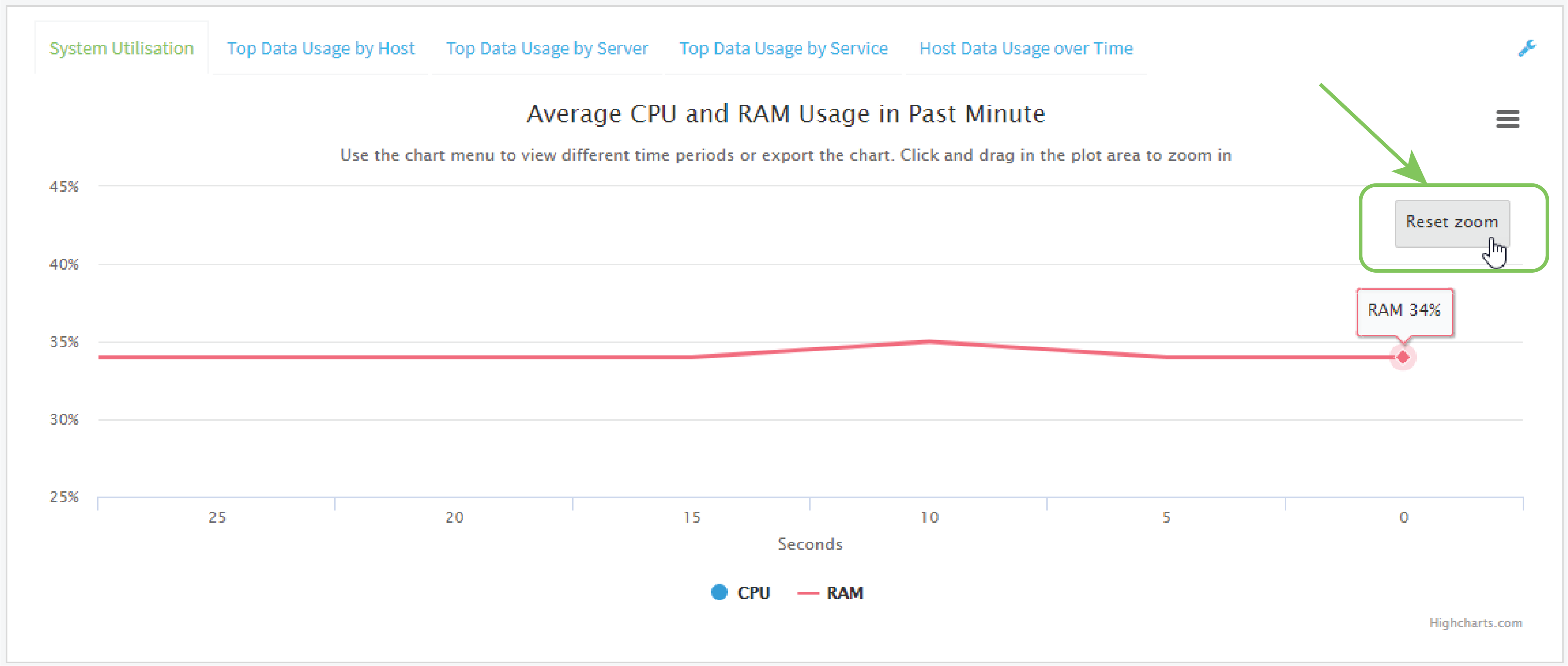
- Click and drag over an area in the chart to zoom into that area and provide more granular information.
- Change the time period displayed by the chart.
By default, the System utilisation chart displays the average CPU and RAM usage over the last minute. You can change this to display the average CPU and RAM usage:
- Over the last hour.
- Over the last day.
- Over the last 30 days.
- Over the last 180 days.
- Click the menu icon ().
- Select the time period to be displayed.
- Save or print the chart.
- Click the menu icon ().
- To save the chart to your local filesystem, select Export to PNG.
To print the chart, select Print chart.
 PDF
PDF


