Cellular Utilization
The Cellular Utilization report provides views of your total cellular utilization and utilization based on carrier type, device type, group, and several other filter categories.
-
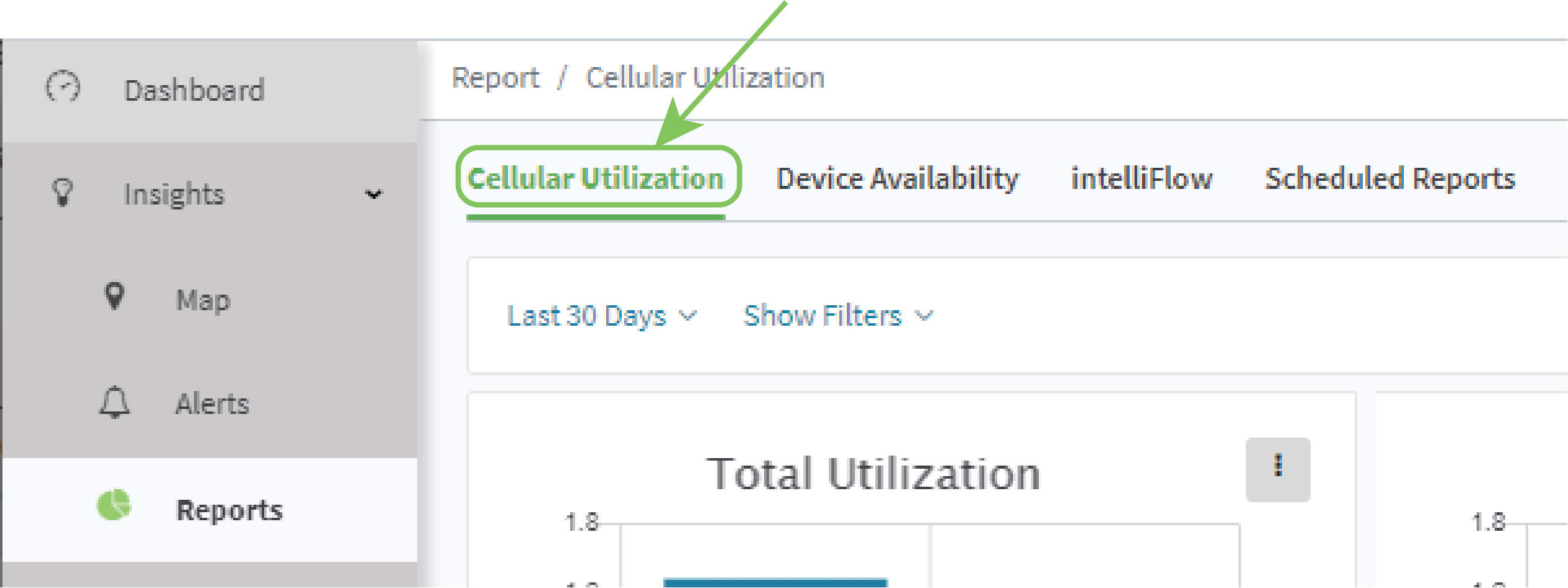
From the main menu, click Insights > Reports.
-
Click the Cellular Utilization tab.
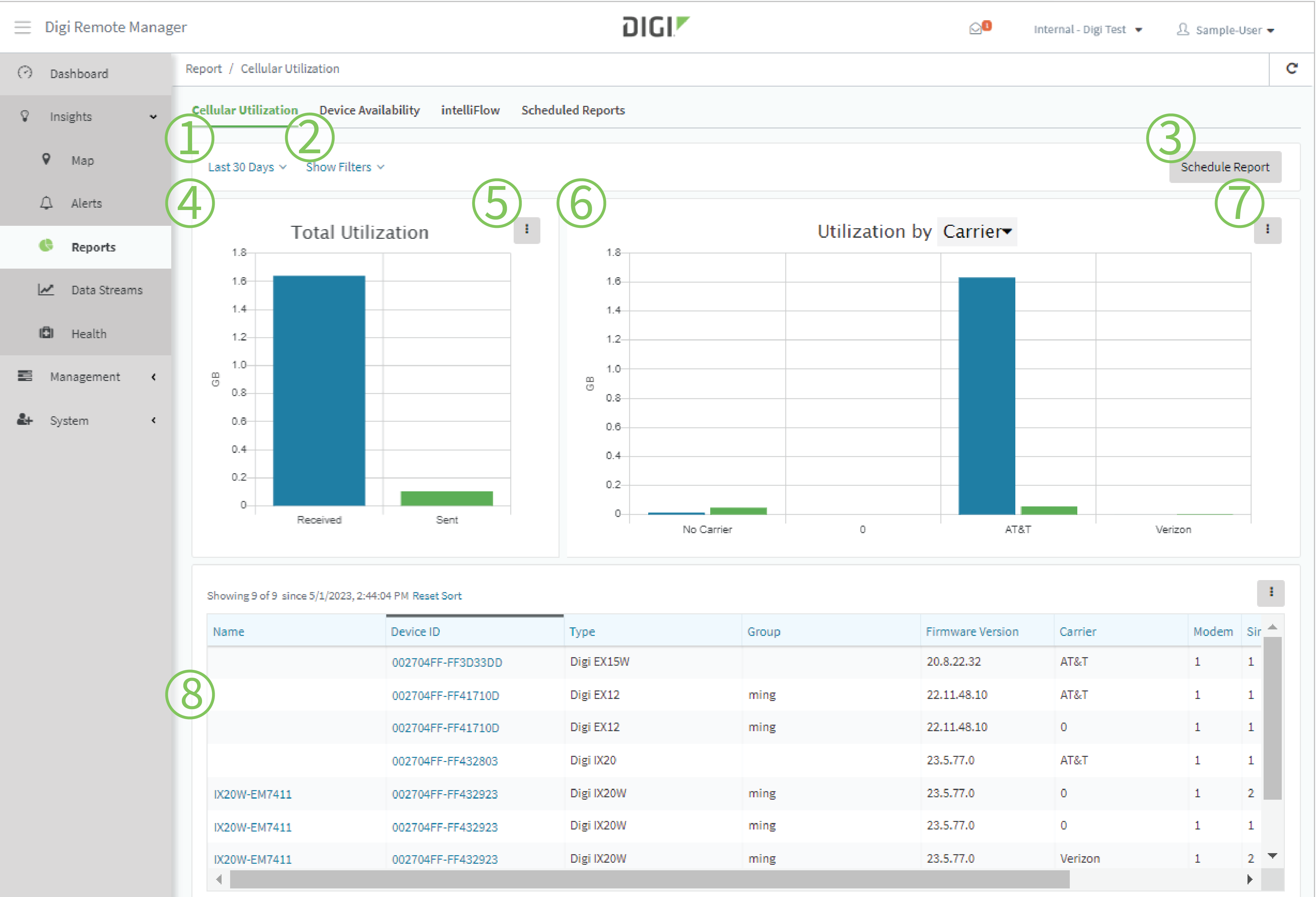
The Cellular Utilization report page displays:
| # | Component | Description |
|---|---|---|
| 1 | Date and time selector |
Select a relative time, such as within the Last Hour or Last 30 Days. Or, enter a Start and End date. |
| 2 | Filters |
|
| 3 | Schedule Report | Click Schedule Report to open the Scheduled Report Options dialog. |
| 4 | Total Utilization graph | Bar graph that displays the total data received and sent by all matching devices. |
| 5 | Total Utilization graph menu |
Click next to Total Utilization to:
|
| 6 | Utilization by... graph | Bar graph that displays the data received and sent by selected category.Click to select the category to display in bar graph form. Available categories are: Modem, SIM, Carrier, Device Type, Firmware Version, and Group. |
| 7 | Utilization by... graph menu |
Click next to Utilization by... to:
|
| 8 | Cellular Utilization tabular view |
Displays cellular utilization in tabular form. Click to customize the display.
|
 PDF
PDF


