Update cellular modem firmware
To update cellular modem firmware:
- From the main menu, click Devices.
- Select one or more devices to have their modem firmware updated, or click a device Name or Device ID to open the Device Details view.
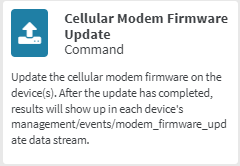
- From the Actions menu, click Cellular Modem Firmware Update.
The Cellular Modem Firmware Update dialog is displayed.
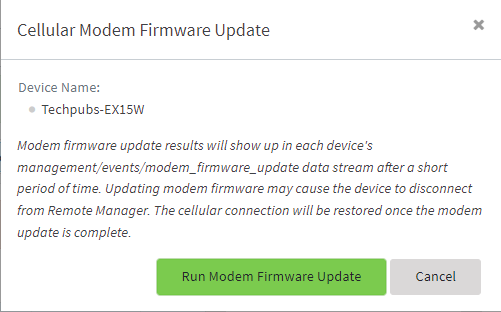
- Click Run Modem Firmware Update.
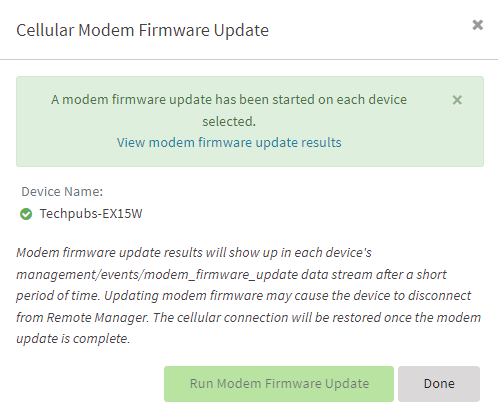
The dialog is updated to indicate that the modem firmware update is taking place:
-
Click View modem firmware update results to open the Data Streams page filtered for this activity.
 PDF
PDF


