Use a device console
For devices that provide terminal access, Remote Manager allows you to access a device console and execute commands. If you attempt to access a console for a device that is not currently connected to Remote Manager, the message Device Not Connected is displayed.
You can open a console connection to a device in a new browser tab from the Devices page, or you can open a console connection in the same browser tab from Device Details.

Open a device console in a new browser tab
-
From the main menu, click Devices.
-
Select a device.
-
From the Actions menu, select Open Console.
A console connection is opened in new browser tab.
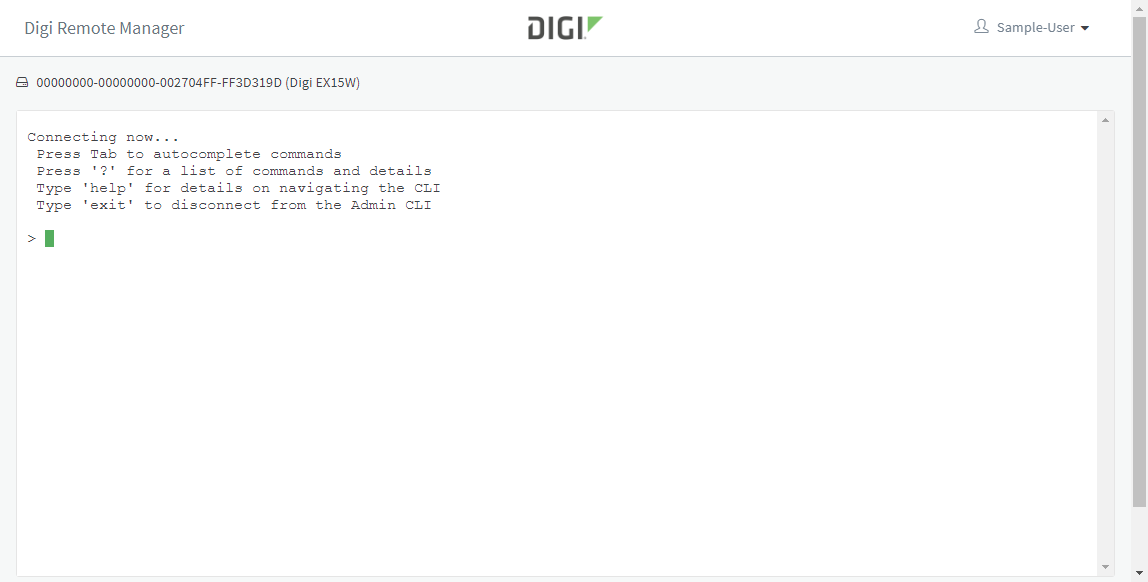
You can also open the device console in a new browser tab from the device details page:
- From the main menu, click Devices.
- In the device list, click the device Name or Device ID.
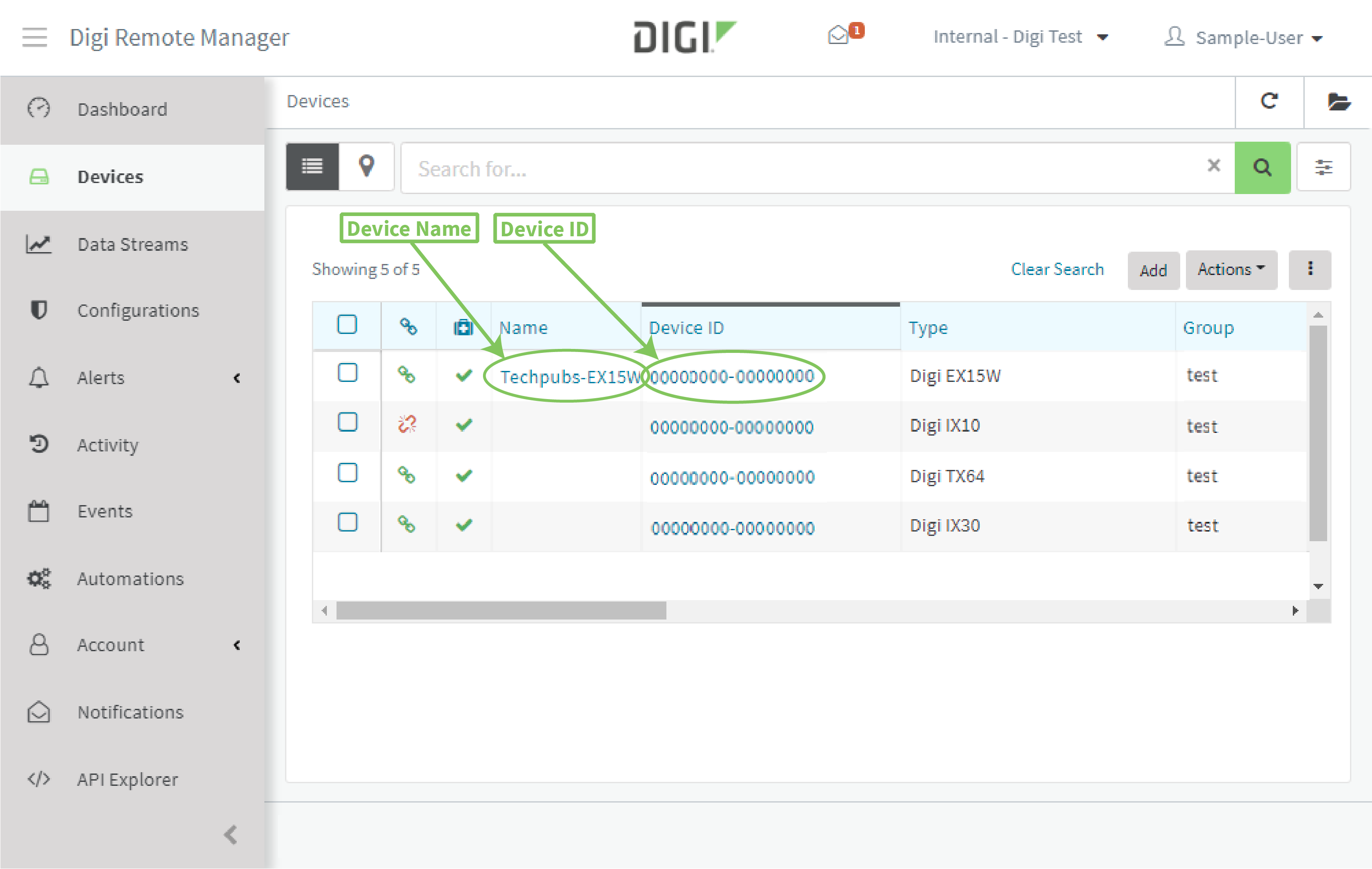
The device's Details page is displayed.
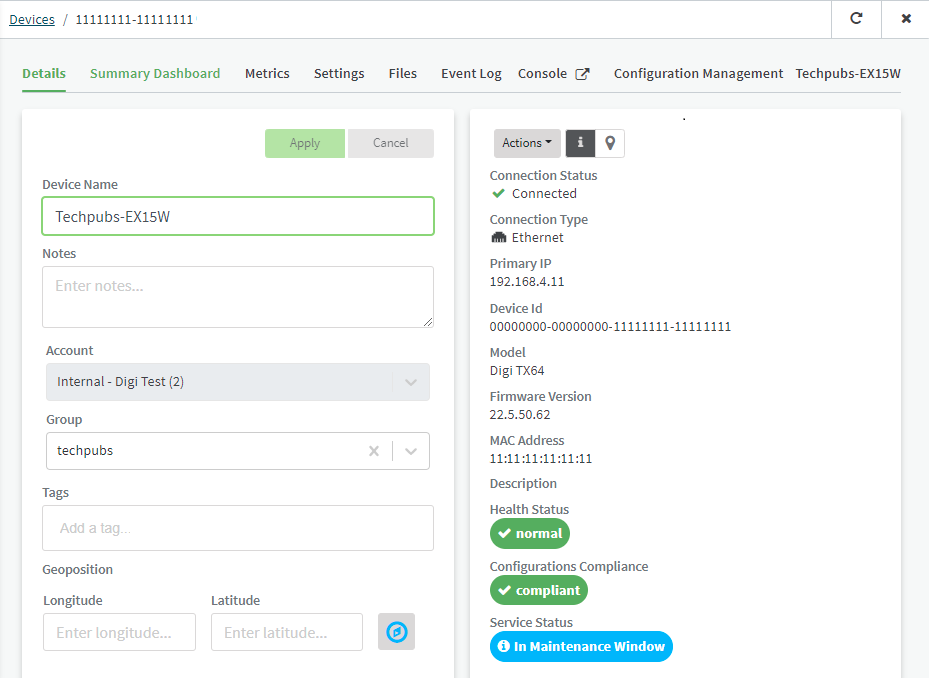
- Click next to Console.
Open a device console in the same tab
- From the main menu, click Devices.
- In the device list, click the device Name or Device ID.
The device's Details page is displayed.
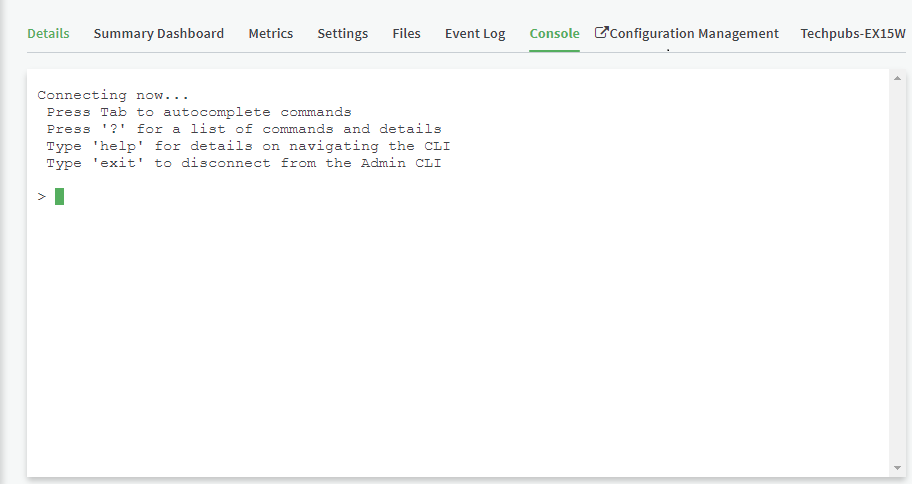
- Click Console.
-
Once you have opened the device console, you can open it in a new window by clicking next to Console.
 PDF
PDF


