Configure the radio
Configure the radio using your Digi Remote Manager account. You can also configure radios using XCTU.
Note If your radio was recently configured by the XBee Wi-fi Cloud Kit, the sampling rate and pin settings are already set, and you can skip this procedure and continue to Wire the circuit.
- Log in to Digi Remote Manager.
- Select Devices on the left.
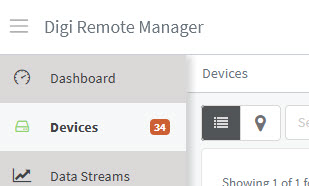
- Select the XBee device you want to configure. You can search for the device by the name you assigned to it, the Device ID, or the Mac address.
- Select Settings > Config > Input and Output settings and confirm that (D2) DIO2/AD2/SPI_SCLK is set to Analog Input.
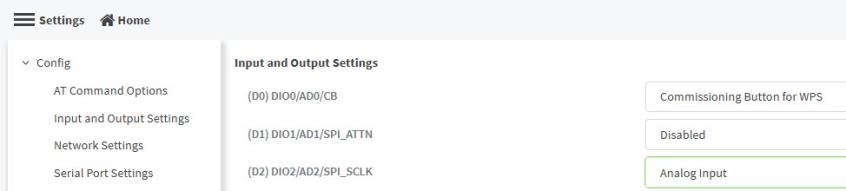
- Confirm that (IR) Sample Rate is set to 5000ms which will take a sample every five seconds.
- Click Apply
 PDF
PDF


