Send a single packet
After you have added at least one data packet to the Send packets area, you can send a single packet to the console's corresponding radio module. For instructions on adding a packet, see Add a data packet.
- In the Consoles working mode, select a packet in the Send packets area.
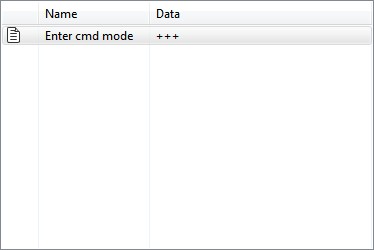
- Click Send selected packet.

The sent data appears in the Data traffic section.
For more information, see Send a sequence of packets.
 PDF
PDF


